Boxo Miniapps are native-like web apps that can be seamlessly integrated and launched within third-party native apps (Host Apps). To deliver the best user experience, they should be fast, simple, and efficient. These guidelines aim to help you create quick-loading, high-performance, and consistent user experiences across both Boxo miniapps and host apps. By following these principles, you can ensure smooth functionality, usability, and seamless interaction between the miniapp and host app environments.Miniapp should work equally well on all supported platformsBoxo iOS SDK is compatible with mobile clients running iOS 11.0 or higher. Similarly, Boxo Android SDK is designed to work with mobile clients running Android 5.0 (Lollipop) or higher. These versions ensure compatibility and allow users to leverage Boxo’s features across a wide range of devices.If service functionality is restricted due to factors such as geographical location, operating system version, or mobile app version, display a dedicated screen that clearly communicates the reason for the limitation. This will help users understand why the application is unavailable or why they cannot proceed further.When testing the service, ensure thorough testing across all planned platforms. Additionally, we will soon release Boxo UI guidelines, which will include Boxo UI components for both Android and iOS apps, to help standardize and streamline development.
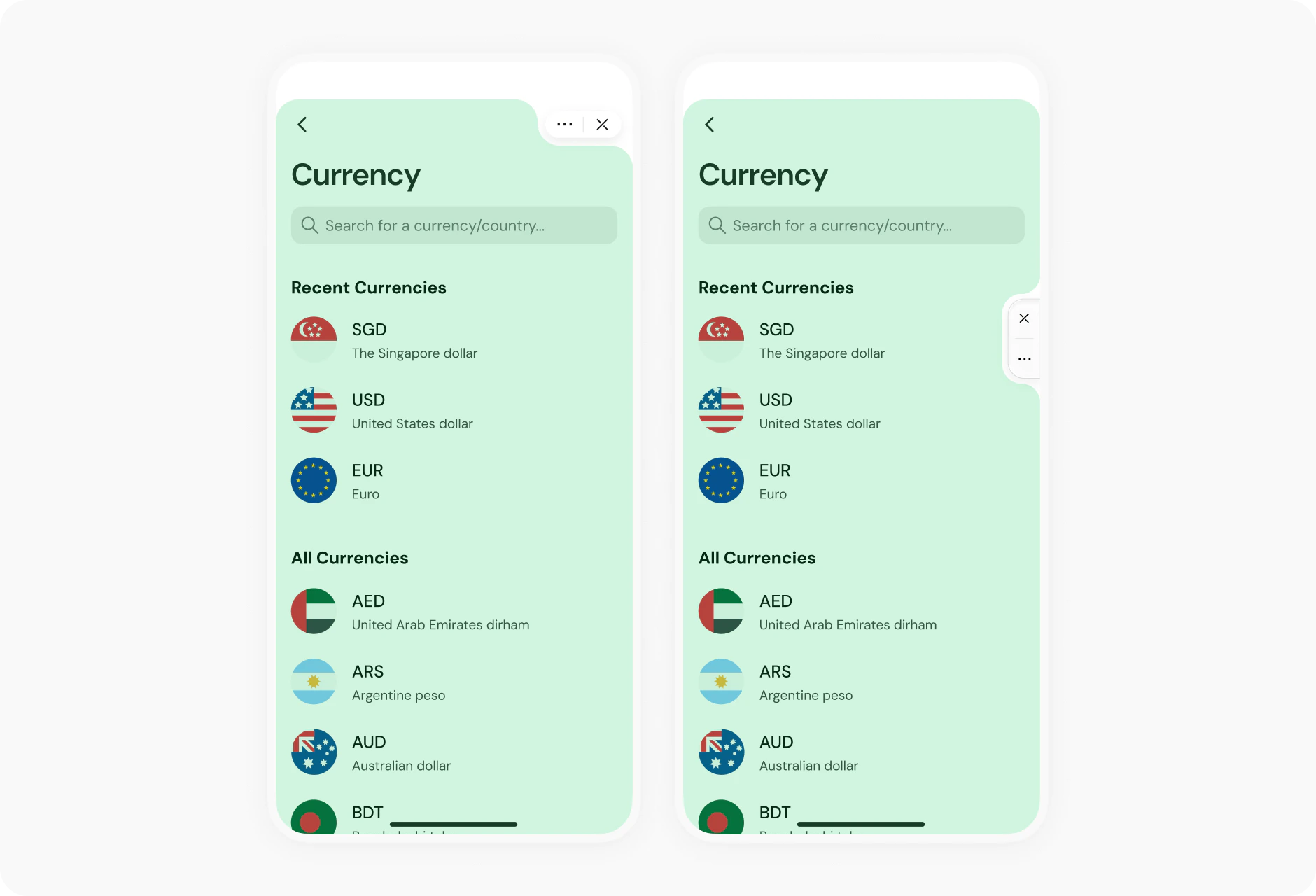
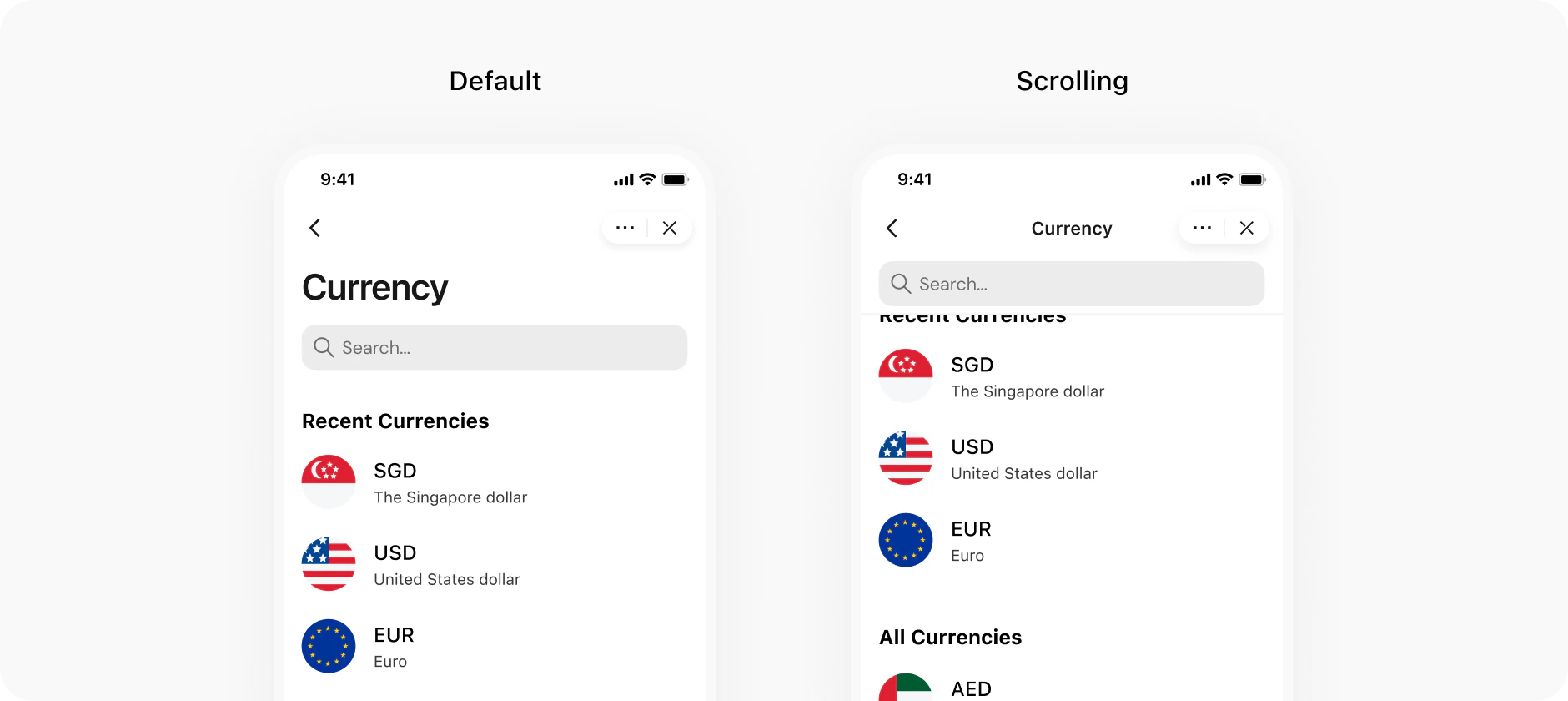
The upper right corner is occupied by native Boxo menu buttons. Do not place your navigation elements in this area. Developers cannot customize their content. When you need to add interactive elements around this menu, test and check the functionality and interactions of the elements with the native Boxo elements.Utilise only green space in your UI/UXFor the same reason, the title should be short or placed under the buttons so it doesn’t come too close to the native menu buttons. Be extra careful with the ios platform as as the headers are located in the center, leaving even less space for creativity. Header image Title should be short and meaningful.The title of each page should be meaningful. There is no need to place the name of the miniapp on each page, rather ensure it reflects the essence of the specific page.
To test your miniapp, you can install our Hostapp emulator chrome extension that emulates the native app’s behavior. You can see which API events are received from the miniapp and try sending different API events to test the miniapp’s behavior.
WARNING
The Host app emulator is under active development and not all API events are supported. Please stay tuned for more updates.
You can add navigation operations within the page based on your design requirements. There should be consistency in the navigation operations across all pages to facilitate forward and backward movements. This means using the same back button or logical tab navigation bar when moving between screens.Use native icons for navigation. Make it look native.Use the hardware back key on Android devices. On Android devices, clicking the Back button returns the user to previous screen action in the WebView. By pressing this button, the host app will return the user to the previous page of the host app or close the miniapp if it is impossible to return. To prevent the user from exiting your miniapp, make use of java scripts available routing libraries.Make sure that input fields are saved when moving between screens. For example, if the user fills in the information for booking tickets on three different screens and suddenly realizes that the input on the first page was incorrect. Do not force the user to re-enter all the details.If for some reason the transition between screens takes a considerable amount of time (for example, the miniapp uses a complex search query), use loaders or spinners to show the user that the miniapp is active and working and there is no need to leave.
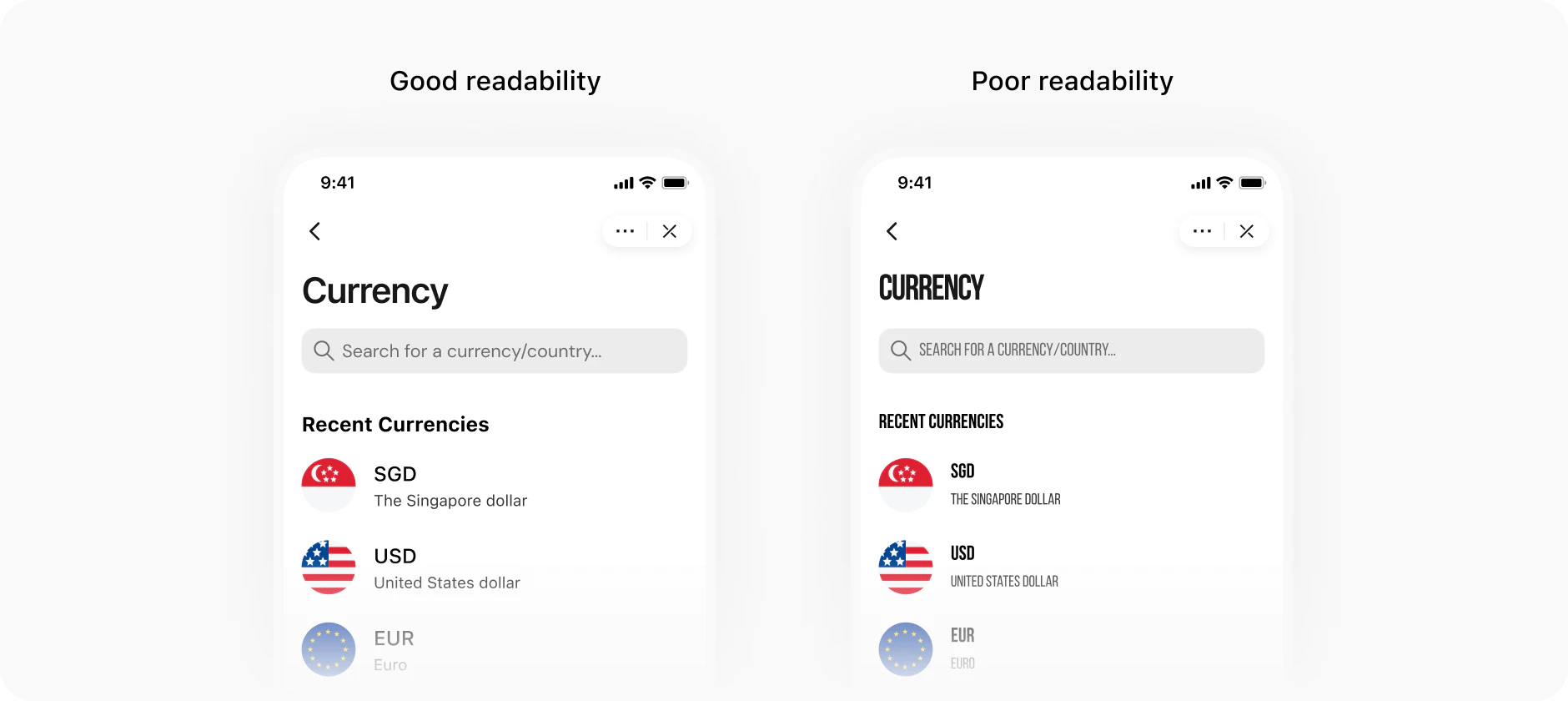
When developing a miniapp, it is important to remember that the Boxo iOS and Android SDK are used by many users with a variety of devices: the application should be equally convenient on screens of any size.Fonts should be medium sized adaptive to the screen size of the device.Use system fonts whenever in doubt.The upper right corner of the miniapp is always occupied by the native menu buttons, so avoid using this area to place any of your buttons (like closing photo screen).Navigation icons, buttons, and everything that can be tapped should be located in such a way so that the user does not accidentally touch the native buttons in the upper right corner and open a menu or close the miniapp.It is worth making sure that the native buttons do not overlap with the design/navigation elements in the application.Do not place long texts of multiple lines within buttons.The layout of the miniapp should work equally well on all platforms from the standard iPhone 5s with a small screen as well as the Galaxy Note with a large diagonal.
Assistant
Responses are generated using AI and may contain mistakes.