

Whitelisting
For server-to-server calls
Boxo Payments and Boxo Connect functionalities will only work with whitelisted IP addresses. You can provide these in Dashboard host app overview page.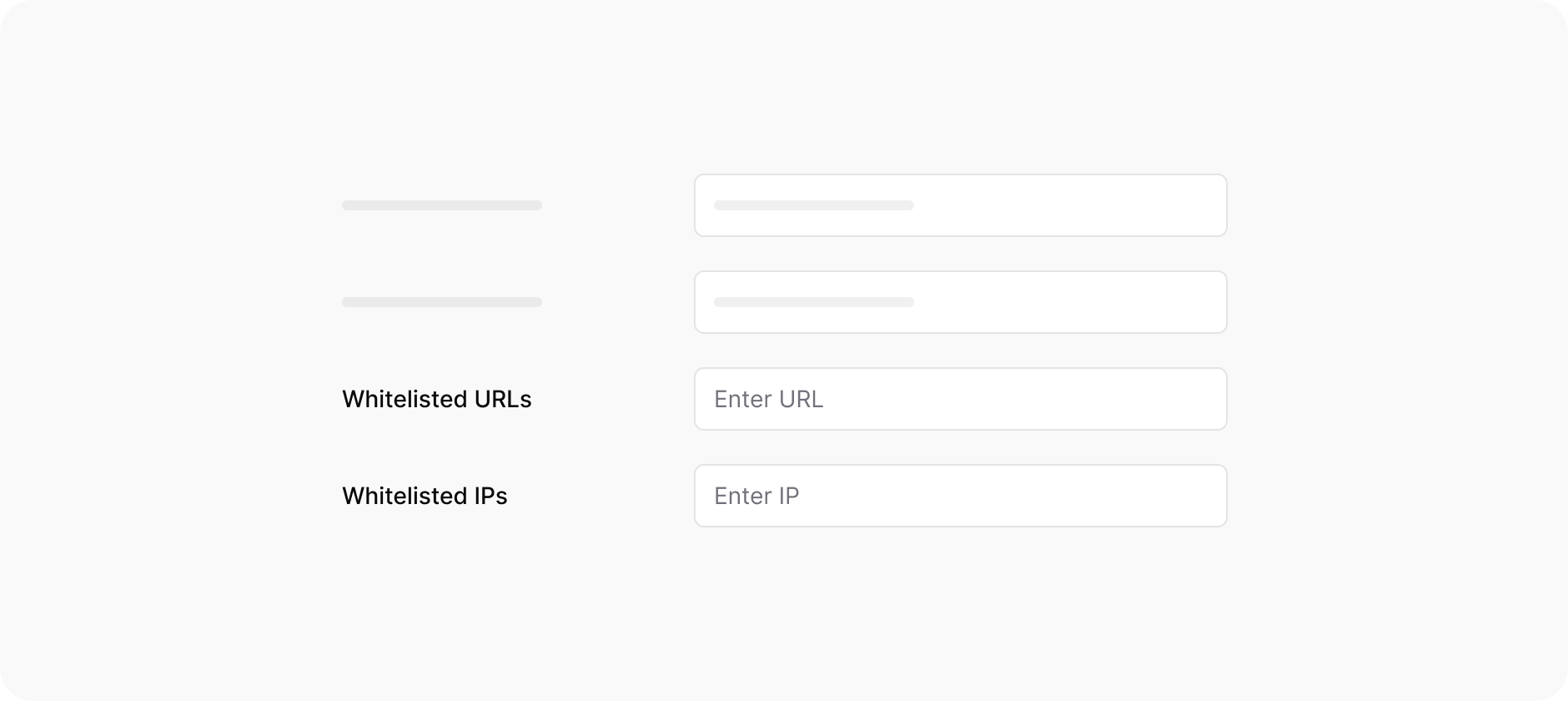
Our IP addresses
We suggest to whitelist our IP addresses for all endpoints opened for Boxo Platform. Production environment 18.136.43.253 - https://dashboard.boxo.io/Network recommendation
SaaS platform is accessed via secure HTTPS (TLS 1.2+) over the public internet, and for optimal performance, we recommend a stable internet connection with minimum bandwidth of 1 Mbps and latency below 250ms.Passing encrypted user data
Boxo Connect requires the host app to share sensitive user data with miniapps. To secure the data being passed, we recommend that the host app encrypt the user data before sharing it with miniapps. The decryption keys should be provided directly to miniapp owners through secure, private communication channels, ensuring that the data can only be decrypted by the miniapp’s system. This approach minimizes security risks related to user data. For encryption, we suggest using AES-256, which is a robust and widely recognized encryption algorithm suitable for this purpose.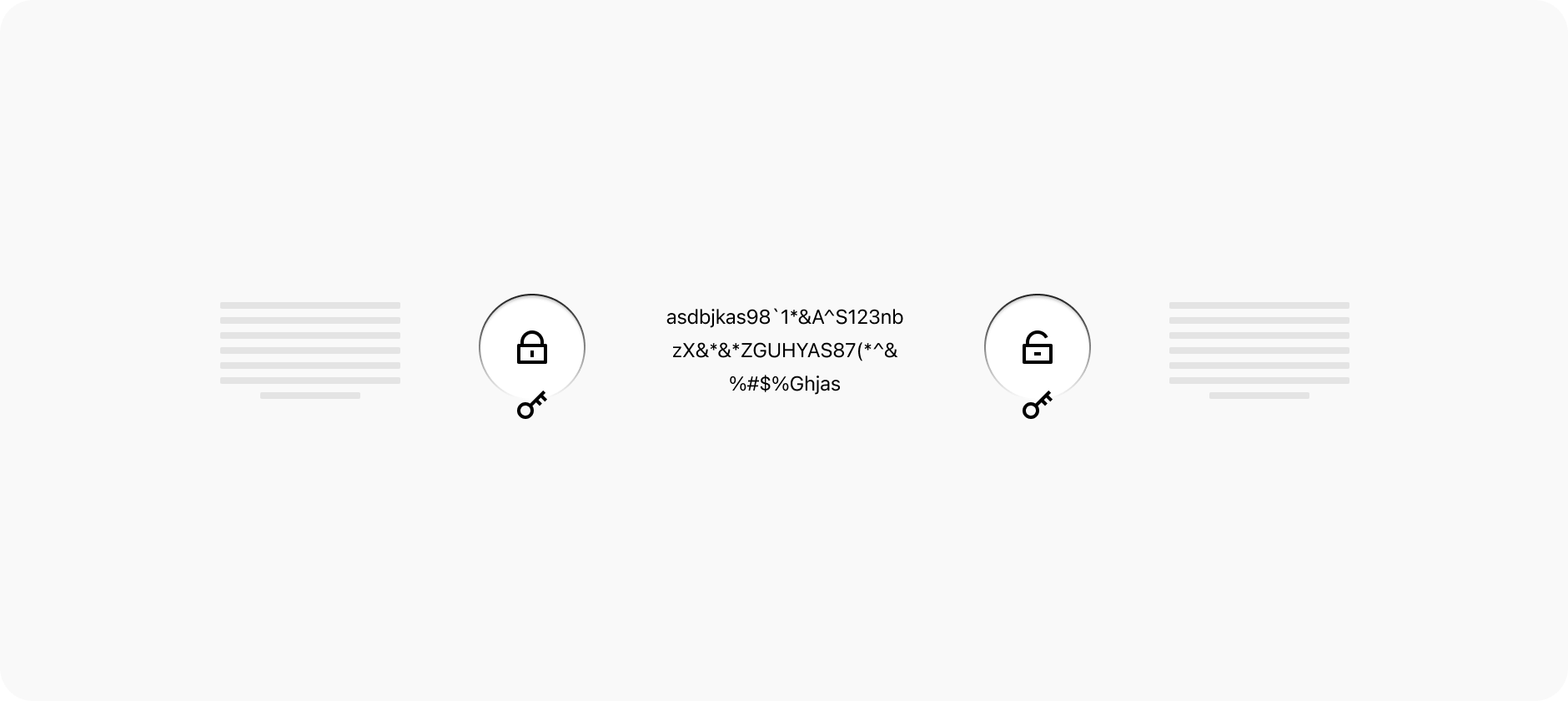
Request signaturing
Boxo Connect and Boxo Payments features enable server-to-server communication, facilitating seamless integration and interaction between applications and the Boxo platform. To ensure the integrity and security of the data exchanged between servers, request signing is employed as a critical mechanism. This process verifies that the data has not been tampered with during transmission and ensures secure interactions between systems.What is Request Signaturing
Request signing is a cryptographic process where a unique signature is attached to an HTTP request before it is transmitted. This signature is generated using a private key, known only to the sender, and can be verified by the recipient using the corresponding public key. This process ensures the authenticity of the sender and guarantees that the data has not been tampered with during transmission, providing both authentication and data integrity.Why Request Signaturing is Essential
-
Authentication:
- Connect Feature: In Boxo Connect, servers interact to share user data and trigger specific actions. Request signaturing ensures that only authenticated servers can initiate requests, preventing unauthorized access and potential security breaches.
- Payments Feature: For Boxo Payments, where financial transactions are involved, authentication becomes paramount. Request signaturing adds an extra layer of security, guaranteeing that payment requests originate from trusted sources.
-
Integrity:
- Connect Feature: To maintain the integrity of data exchanged between servers in the Boxo Connect feature, request signaturing prevents data tampering during transit. This is vital for ensuring that the received data is exactly as intended by the sender.
- Payments Feature: In financial transactions, even the slightest alteration of data can have significant consequences. Request signaturing safeguards the integrity of payment requests, ensuring that the transaction details remain unchanged.
-
Non-Repudiation:
- Request signaturing enables non-repudiation, meaning that the sender cannot deny having initiated a particular request. This is crucial for accountability and auditing purposes, especially when dealing with sensitive user data and financial transactions.
-
Secure Communication:
- By implementing request signaturing, Boxo ensures that communication between servers is conducted over a secure channel. This is fundamental for protecting user privacy, maintaining trust, and complying with security best practices.
How to Implement Request Signaturing
- To implement request signaturing with Boxo Connect and Boxo Payments features, developers need to follow the provided guidelines and use the cryptographic libraries or tools recommended by Boxo.
- Private keys for signaturing should be securely stored and never shared publicly. Public keys are used by Boxo to verify the authenticity of incoming requests.
PKCE for Boxo Connect
Boxo Connect can protect the authorization code with PKCE (Proof Key for Code Exchange, RFC 7636). PKCE binds every authorization code to a secret that only the Boxo platform holds, so the authorization code alone cannot be exchanged for an access token.Why use PKCE
- An intercepted or leaked authorization code is useless without the matching code verifier.
- The code verifier stays on the Boxo platform. It is never sent to the user’s device or to the host app.
- Each code challenge can be used for one authorization only and expires after 10 minutes.
How PKCE works
1
Boxo platform creates the code challenge
When the mini app calls
Boxo.login(), the Boxo native SDK requests a code challenge from the Boxo platform. The platform generates a random code verifier, keeps it, and returns the code challenge derived from it with S256 (SHA-256, the default) or plain.2
Host app requests the authorization code with the code challenge
The Boxo native SDK passes the code challenge to the host app, which sends it to the host app backend when requesting the authorization code. The host app backend stores the code challenge together with the authorization code it issues.
3
Boxo platform exchanges the authorization code with the code verifier
The Boxo native SDK sends the authorization code and the code challenge to the Boxo platform. The platform adds the matching code verifier to the access token request it sends to the host app backend.
4
Host app backend verifies the code verifier
The host app backend derives the code challenge from the code verifier and checks that it matches the one stored with the authorization code. Only then does it return the access token.
PKCE is enabled per host app. Contact Boxo at support@boxo.io for more details and to set it up.